Introduction
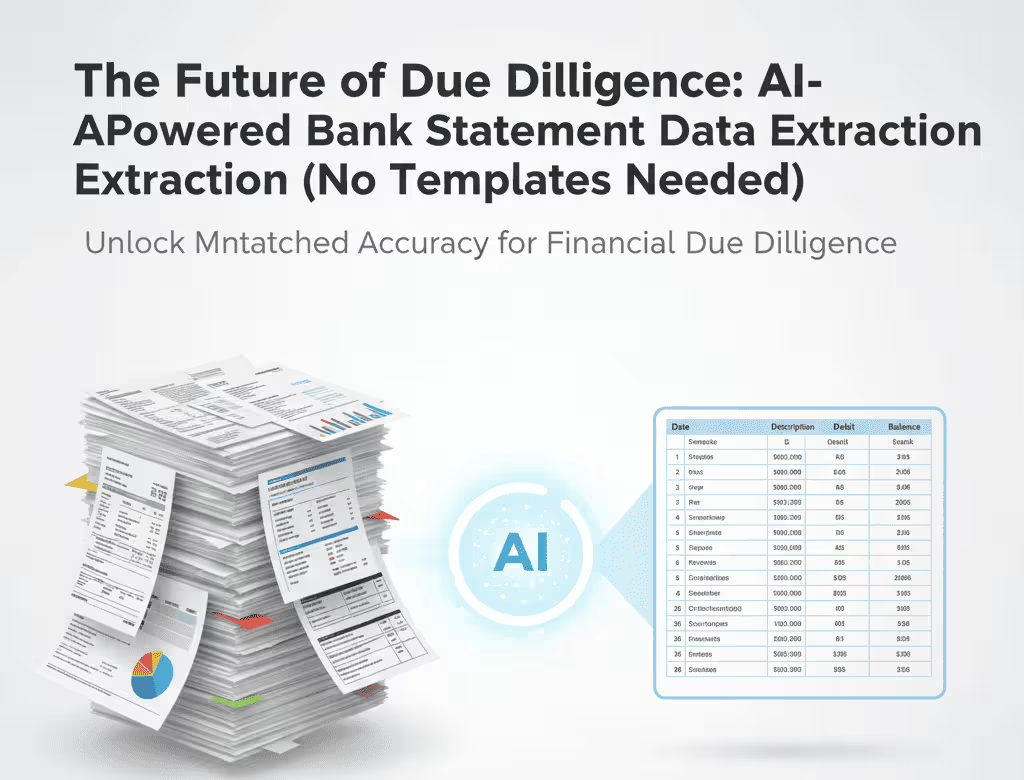
If you are an accountant, auditor, bookkeeper, or a finance professional handling a high volume of financial documents, you know the pain point: the constant need to convert bank statement PDF to Excel.
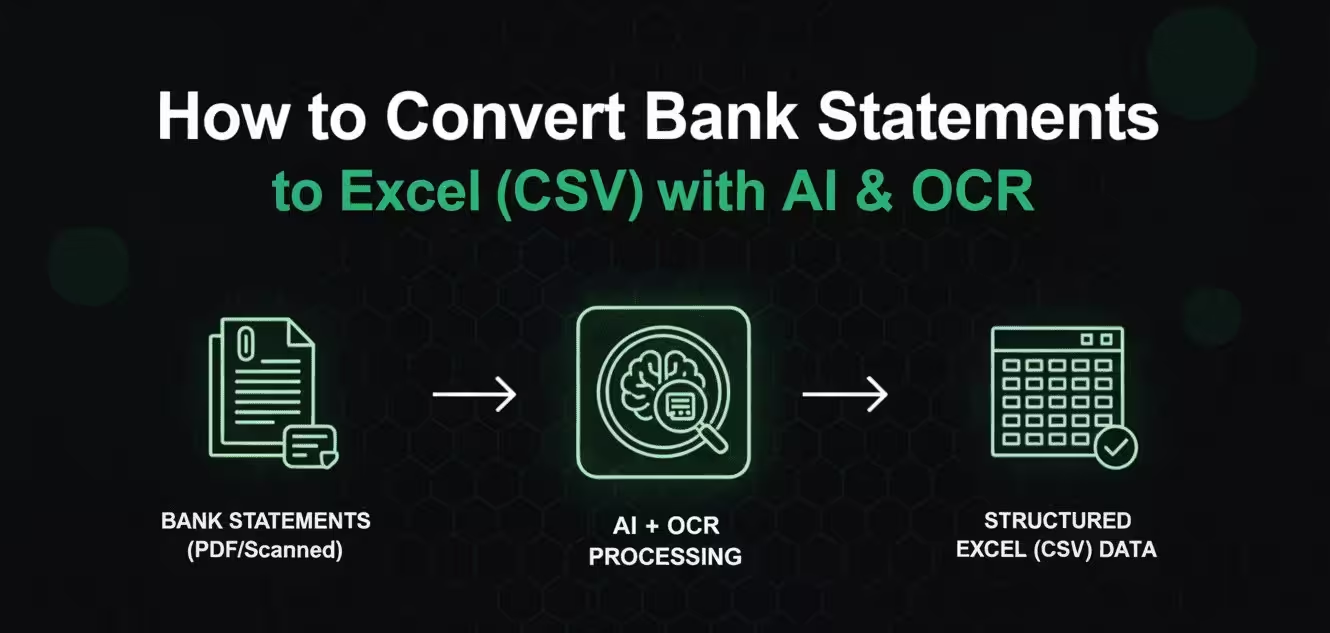
You receive bank statements from clients, vendors, or internal departments as PDFs—sometimes clean, digital files, and often as grainy, scanned bank statement to CSV conversions. The goal is always the same: get the raw transaction data into a structured format for analysis, reconciliation, or import into accounting software.
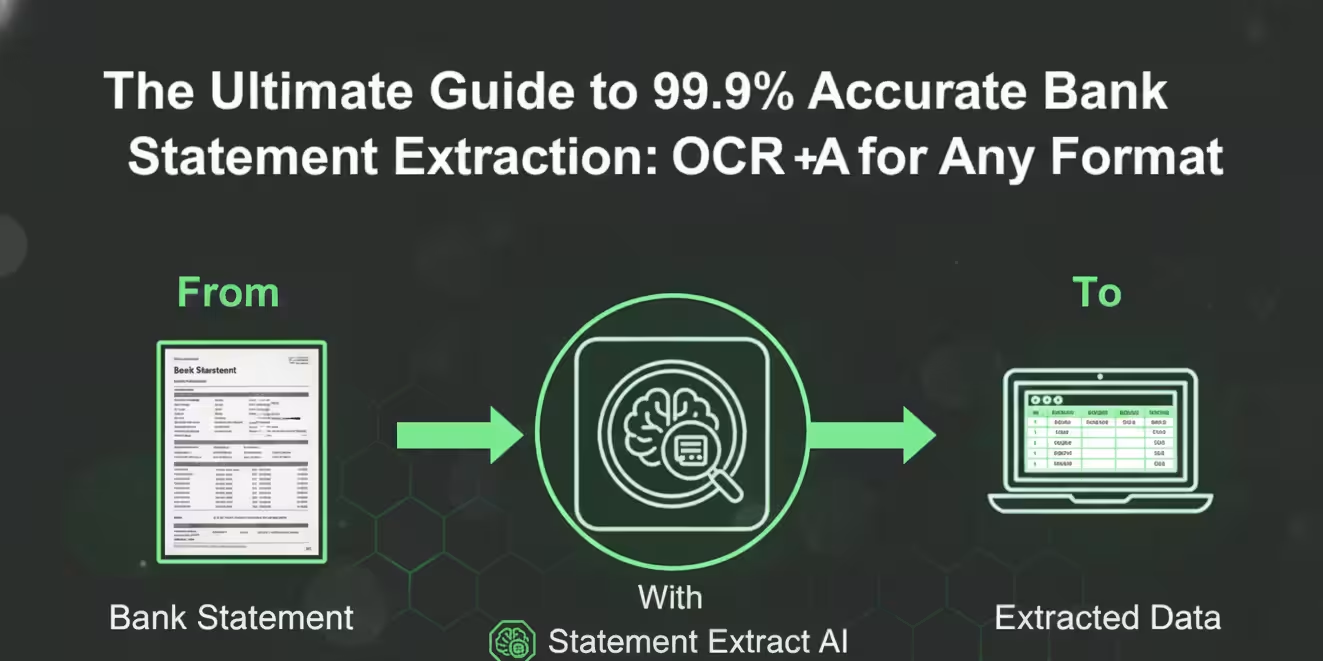
This guide is for the finance professionals managing 50–500 financial documents per month who are looking for a reliable, scalable, and automated solution. We will move past manual, error-prone methods and dive deep into the modern standard: AI-powered Optical Character Recognition (OCR) pipelines.
By the end of this guide, you will have a complete, actionable strategy to reliably extract transactions from PDF bank statements, drastically reducing your manual labor and improving data accuracy.
Why Converting Bank Statements to Excel Matters
For finance professionals, raw data is the engine of the entire workflow. The moment data is locked inside an unstructured document format, the efficiency of your entire financial operation screeches to a halt.
The limitations of PDF bank statements
While PDFs are excellent for document portability and visual presentation, they are inherently a poor format for data analysis. Understanding these limitations is the first step toward automation.
- Data Inaccessibility: A PDF is essentially a snapshot of a printed page. The data is visually structured but not logically structured in a way computers can easily read or interpret as a database table.
- Varied Layouts: Every bank, and sometimes even different accounts within the same bank, uses a unique layout. This variance breaks any simple, rigid parsing tool or template-based system.
- Audit Trail Challenges: While secure for sharing, the data within a PDF cannot be easily manipulated or tracked in a live environment, making it cumbersome for dynamic reconciliation processes and continuous auditing.
- Scanned Document Barrier: Scanned bank statement to CSV conversion is the ultimate challenge. Image quality, skew, noise, and multiple fonts turn the extraction process into a complex image processing problem that generic tools cannot handle.
Why Excel/CSV is better for financial workflows
CSV (Comma Separated Values) and Excel are the universal languages of data analysis in finance. Converting your bank statement to Excel unlocks immediate, powerful possibilities for efficiency and control.
- Structure and Standardization: CSV provides a simple, structured format (
Date, Description, Debit, Credit) that all modern accounting systems and data analysis tools can consume instantly. - Search and Analysis Power: Data in Excel allows for immediate sorting, filtering, pivot table creation, and applying advanced logic—essential steps in auditing, month-end closing, and management review.
- Seamless Integration: You can seamlessly import a clean CSV file into QuickBooks, Xero, ERP systems, or custom financial models, which is the foundational pillar of modern bookkeeping automation.
- Accuracy and Verification: The data is portable and easy to verify against source documents or against a ledger, making the reconciliation process far more transparent and efficient than manual checking.
Manual Methods to Convert Bank Statements to Excel
When managing hundreds of transactions across multiple clients, the time and resource drain of manual extraction quickly becomes a massive cost center. These old methods must be shelved for scalability.
Copy–paste extraction
This is the most rudimentary, and alarmingly, still prevalent method among junior analysts.
- Open the PDF bank statement.
- Attempt to select only the transaction table rows, carefully avoiding headers and footers.
- Copy the selection.
- Paste it into a blank Excel sheet.
The output is almost never a clean table. Data fields (Date, Description, Amount) are often merged into a single cell, or column alignment is completely lost. This forces hours of tedious manual cleanup, including inserting columns, splitting text, and fixing corrupted date formats.
Basic PDF-to-Excel converters
Many free or inexpensive online tools claim to automate the conversion. While they might work adequately for simple, non-structured text documents, they consistently fail with the specific complexity of structured financial data.
These converters rely on basic text parsing, which gets instantly confused by:
- The visual appearance of table borders and lines, which are ignored in the logical data structure.
- Interrupted data lists due to page breaks, headers, or footers.
- Subtle variations in column widths or the use of merged cells within the original PDF layout.
Limitations of manual methods
When your document volume pushes past fifty statements per month, the compounded costs of these methods are no longer negligible—they become a strategic liability.
| Limitation | Impact on Workflow |
|---|---|
| High Error Rate | Fatigue-induced mistakes in data entry or cleanup lead to incorrect reconciliations and significant rework. |
| Non-Scalable | Processing time increases linearly with document volume, preventing growth without hiring more staff. |
| Wasted Labor Cost | The high-value time of skilled finance professionals is spent on clerical data entry instead of strategic financial analysis. |
| Failure on Scans | Manual methods are virtually impossible to apply reliably to low-quality or skewed scanned bank statement to CSV documents. |
The expert consensus: For professional, high-volume data handling, manual and generic methods are financially irresponsible and functionally obsolete. The only path forward is specialized automation.
Understanding OCR for Financial Documents
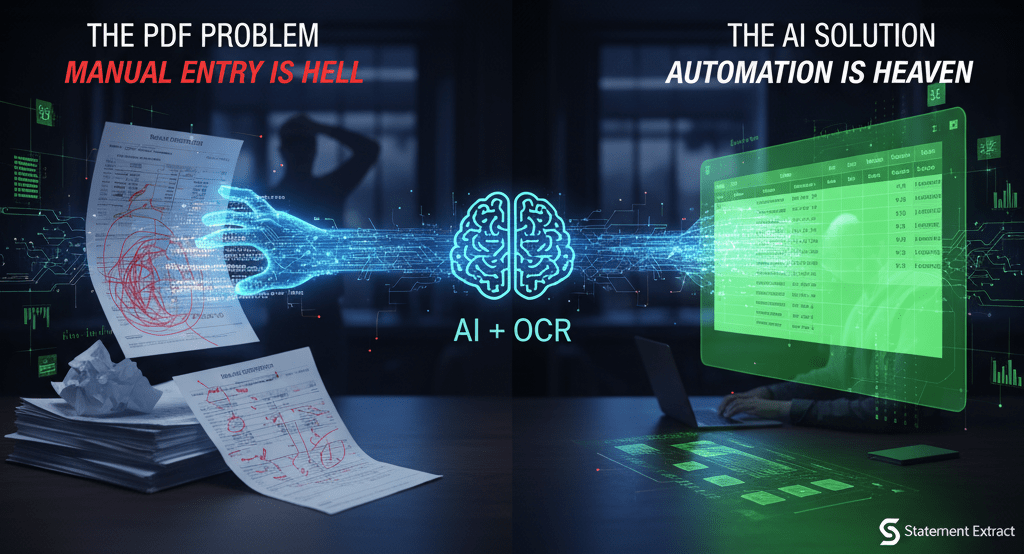
The foundational technology enabling true automation is Optical Character Recognition (OCR). OCR is what allows a computer to "read" the visual content of a document, whether it’s a digital PDF or a picture of a page.
How OCR works behind the scenes
Traditional OCR operates in several critical stages to turn image pixels into machine-readable characters:
- Image Pre-processing: For a scanned document, the system first cleans the input—de-skewing (correcting crooked alignment), de-noising (removing specks), and enhancing contrast. This is the essential first hurdle for successful scanned bank statement to CSV conversion.
- Layout Analysis: The software attempts to segment the document into structural zones: identifying headers, footers, text blocks, and, crucially, tables.
- Character Recognition: A pattern recognition algorithm analyzes each segment of text, matching visual shapes (glyphs) to specific characters.
- Post-processing: The recognized characters are assembled into words. Simple OCR often stops here, resulting in a wall of text that is technically readable but structurally unusable.
Why accuracy varies based on document quality
The effectiveness of even the best OCR tools is heavily dependent on the quality of the image presented to it.
- Digital PDF (Vector): The text is natively encoded, leading to near-perfect character recognition (99.9%+). The challenge remains in extracting the structure correctly.
- High-Quality Scan (300 DPI+): Clean, high-resolution scans of the original statement usually yield very good results, often above 98%.
- Low-Quality Scan (Faxes, Mobile Photos): These introduce blur, distortion, and noise, causing the OCR engine to misidentify characters. This is the primary source of critical errors in bank statement OCR.
Popular OCR tools (Tesseract, Acrobat, etc.)
While these general-purpose tools are useful, they require extensive post-processing to make their output usable for finance.
- Tesseract OCR (Open Source): A powerful engine, but it requires deep technical knowledge for configuration and specialized training to understand financial layouts. It provides text, but rarely the structured table you need.
- Adobe Acrobat's OCR: Good for making a document searchable, but it struggles to consistently structure the transaction table data into discrete, accurate columns suitable for Excel.
- General Cloud OCR APIs (Google Vision, AWS Textract): These are powerful character readers, but they still require a complex layer of custom logic built on top to interpret what the recognized text represents.
This gap—the leap from reading characters to understanding financial structure—is why generic OCR must be augmented by specialized AI.
AI Pipelines: The Modern Solution to Bank Statement Extraction
For reliable, high-volume financial data extraction tools, the modern solution is an intelligent automation system that combines robust OCR with a specialized Artificial Intelligence (AI) layer. This AI acts as a financial data interpreter.
How AI interprets financial data
The AI layer is the brain, trained on a massive, diverse dataset of real-world bank statements from institutions globally. This training allows it to understand the semantics and rules of the document, not just the characters.
- Semantic Understanding: The AI recognizes patterns far beyond simple keyword matching. It knows that a date is a Date Field, and a value with a credit notation is a Transaction Amount Field, even if the column header is labeled ambiguously.
- Contextual Logic: It uses surrounding text and the context of financial norms to resolve ambiguities. For instance, if a scanned document misreads an amount, the AI can compare the transaction description, the account balance change, and typical formatting to flag the value or correct it automatically.
Template detection and table reconstruction
The largest hurdle for high-volume bank statement OCR is the sheer diversity of bank document layouts. AI-powered systems solve this through dynamic template detection and intelligent table reconstruction.
- Bank Identification: The system first identifies the issuing bank and statement version based on logos, headers, and unique identifier patterns.
- Dynamic Template Application: It applies a corresponding, specialized extraction model for that specific bank/version.
- Table Reconstruction: The AI’s computer vision layer can intelligently reconstruct the transaction table, even when visual lines are missing, columns are slightly misaligned due to scanning, or the table is awkwardly split across multiple pages. It understands that a transaction is a multi-cell record.
Error handling, validation, and normalization
A key advantage of a professional AI pipeline is its integrated error-handling and rigorous data normalization.
- Automated Validation: The AI performs essential financial checks instantly:
- Balance Check: Verifying the fundamental financial equation: Previous Balance + All Deposits - All Withdrawals = New Balance. If this fails by more than a few cents, the system flags the statement for high-priority review.
- Date & Sequence Check: Ensuring all transaction dates are sequential and logically fall within the statement period.
- Data Normalization: This step is crucial for PDF to CSV automation. The system standardizes descriptions, removes irrelevant clutter, and consistently separates Debits and Credits into two distinct columns, making the bank statement to excel conversion instantly usable.
Step-by-Step Guide: Converting Bank Statements Using OCR + AI
Follow this actionable, four-step guide to successfully convert any bank statement—from a pristine digital file to a difficult scan—into a structured Excel or CSV file using an intelligent tool.
Step 1 — Prepare your PDF or scanned file
While the AI can handle imperfect files, maximizing input quality guarantees the highest possible accuracy rate and reduces your need for verification.
- For Digital PDFs: Ensure the PDF is unlocked (not password-protected) before upload. Avoid converting the digital PDF to an image and back.
- For Scanned Documents:
- Scan at a minimum of 300 DPI in black and white or grayscale for best contrast.
- Ensure the statement is fully contained and aligned on the scanner bed (avoiding excessive skewing or cropped edges).
- Save the file as a multi-page PDF or a high-quality TIFF/JPEG.
Step 2 — Upload to intelligent OCR system
Modern SaaS platforms designed for accounting automation offer a streamlined, intuitive drag-and-drop interface or API endpoint.
- Batch Upload: Upload multiple statements (e.g., all 50 monthly client statements) simultaneously.
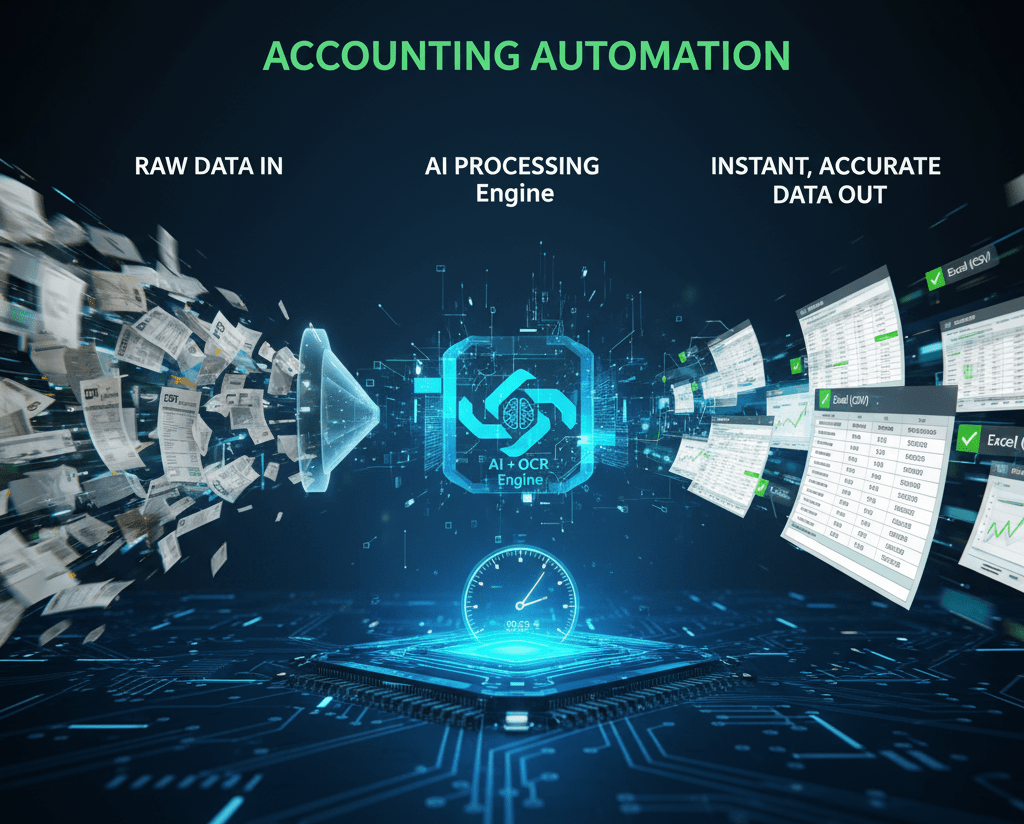
- Initial Processing: The AI pipeline takes over. It identifies the bank, performs the high-accuracy OCR, applies its internal financial model, and reconstructs the data table.
- Review Status: Monitor the processing dashboard. Documents will be categorized as "Clean," "Needs Review," or "Failed." Focus only on the "Needs Review" items.
Step 3 — Configure extraction fields
The best tools provide a simple, human-in-the-loop verification interface for any transactions or fields flagged as low-confidence.
- Review Low-Confidence Fields: If the AI had difficulty distinguishing a character in an amount or a date, the system will highlight it for attention.
- Quick Verification: View the original PDF image displayed side-by-side with the extracted data. Click the highlighted field and make the necessary correction or confirmation with a single action.
- Apply Custom Mapping (Optional): Many professional tools allow you to apply rules (e.g., "Map any transaction containing the word 'Amex' to the 'Credit Card Fees' general ledger account") right at the extraction stage.
Step 4 — Export to Excel/CSV
Once the data batch is verified and confirmed, the output is ready for consumption.
- Select Output Format: Choose your preferred output: CSV (ideal for system import), Excel (.xlsx), or utilize a direct integration connector to push the data directly into your accounting platform.
- Final Download: The system packages the standardized, clean data into your chosen format.
- Ready for Use: The resulting file will have standardized headers (Date, Description, Debit, Credit), clean data, and zero structural errors, making it immediately ready for reconciliation, audit work, or advanced analysis.
Real-World Use Cases & Advantages
Adopting an AI-powered bank statement OCR solution is a strategic decision that fundamentally transforms the capacity and quality of your financial operations.
Accounting firms processing 100+ statements/month
For CPA firms and outsourced bookkeeping companies, eliminating data entry is the primary lever for capacity growth.
- Massive Productivity Gains: A firm handling 100 statements monthly might spend 1-2 full-time days on manual data entry and correction. Automation reduces this to a few hours of critical verification.
- Faster Client Onboarding: Statements are converted, imported, and reconciled much faster, allowing the firm to transition from compliance work to higher-value client advisory work sooner.
- Reduced Rework: The accuracy of the AI pipeline drastically cuts down the hours typically spent tracking down reconciliation errors caused by manual data input mistakes.
SaaS platforms integrating OCR via API
SaaS founders building products in the FinTech, lending, or expense management spaces need to ingest financial documents from their users reliably.
- Seamless User Experience: Instead of asking users for complex CSV files, the platform accepts a simple PDF and uses an API to instantly extract transactions from PDF on the backend.
- Standardized Data Aggregation: The API provides a clean, predictable, and standardized data feed, regardless of the bank or document format, solving the chronic "data diversity" problem at scale.
- Accelerated Development: The core document intelligence is outsourced to the expert platform, allowing the SaaS team to focus their valuable development resources on their unique product features.
Internal finance teams automating reconciliations
Corporate finance departments deal with statements from multiple global banks, corporate cards, and subsidiary accounts, creating significant complexity.
- Continuous Reconciliation: Automation allows teams to move from a stressful, multi-day monthly close process to a smoother, continuous daily or weekly reconciliation cycle.
- Enhanced Audit Readiness: Clean, verifiable source data and an auditable trail of the extraction process make preparing for internal and external audits significantly faster and less burdensome.
- Better Cash Management: With transaction data flowing into the ERP or planning tool faster, cash flow forecasting and management decisions are based on better, more timely information.
Mini Case Study: How One Company Reduced 12 Hours of Work to 10 Minutes
The Client: Nexus Growth Partners, a boutique M&A consultancy that processes financials for dozens of small businesses during the due diligence phase.
The Problem: Nexus had a dedicated junior financial analyst whose core task was converting bank statement PDF to Excel for 70–85 client statements each month. The analyst spent a combined 12 hours per month manually copying, pasting, and cleaning transaction data. The manual nature led to fatigue-based errors, costing an additional 3–4 hours of senior analyst time to trace and correct during the diligence review.
The Solution: Nexus adopted an AI-powered bank statement OCR tool (similar to StatementExtract) integrated via a simple dashboard.
The Outcome:
- Processing Time: The entire batch of 80 statements is now uploaded, processed, and subjected to the initial AI validation in approximately 10 minutes.
- Verification Time: The analyst now spends less than 30 minutes reviewing the handful of low-confidence transactions flagged by the AI.
- Overall Time Savings: The firm saves a minimum of 11.5 hours per month on pure data extraction and cleanup. This time was immediately reallocated to critical analytical tasks like quality of earnings (QoE) reporting, directly increasing the firm's billable capacity and accelerating their deal timelines.
The conclusion was clear: The investment in intelligent automation paid for itself in less than one month by replacing clerical work with core expertise.
Checklist: What to Look for in a Bank Statement Extraction Tool
Before committing to a vendor, use this checklist to ensure you are selecting a true professional-grade financial data extraction tool that can handle real-world financial complexity.
- Guaranteed Accuracy Rate: Does the vendor provide a guaranteed accuracy rate (e.g., 99.5%+) for common digital PDF statements?
- Scanned Document Handling: Does the system include advanced image pre-processing (de-skew, de-noise) specifically for poor-quality scanned bank statement to CSV conversions?
- Debit/Credit Normalization: Does the final output automatically and correctly separate amounts into standard
DebitandCreditcolumns, regardless of the source document's formatting? - Template-Free Extraction: Does the tool support a wide variety of global banks using AI pattern recognition rather than relying on brittle, static templates?
- Audit/Validation Layer: Is there an integrated, user-friendly review dashboard for verifying low-confidence extractions, featuring a side-by-side view of the original document?
- Scalability (API Readiness): If you are a SaaS platform or large enterprise, does the tool offer a robust API for high-volume, programmatic PDF to CSV automation?
Conclusion + Call-to-Action
The era of painful, manual bank statement to Excel conversion is unequivocally over. For any finance professional or firm dealing with fifty or more documents per month, moving to an intelligent, AI-powered bank statement OCR solution is no longer optional—it is a competitive necessity.
This technology transforms a non-billable, high-risk administrative task into a fast, accurate, and scalable data pipeline. It frees up your most valuable resource—your skilled financial expertise—to focus on the strategic analysis, auditing, and client advisory work that truly drives value.
You have the knowledge and the checklist. The time to automate is now.
Stop spending hours cleaning data and start analyzing it.
Take the next step in your accounting automation journey.
Try StatementExtract for Free Today
Frequently Asked Questions (FAQ)
Q1: Why can't I just use copy-paste or a generic PDF converter?
A: Generic methods fail because of the underlying document structure. Most free converters only work on digital-native PDFs (where the text is selectable). They fail completely on scanned, image-based PDFs because they lack the necessary Optical Character Recognition (OCR). Even when they "work," bank statements contain complex, multi-line transactions and varying column layouts that generic tools cannot interpret, resulting in a disorganized, unusable mess in Excel.
Q2: How do I convert a scanned bank statement (an image-based PDF) to Excel?
A: Converting a scanned bank statement requires a solution with a robust Intelligent OCR pipeline. Traditional copy-paste and basic PDF tools will fail because the document is just a picture of text. Specialized platforms, like StatementExtract, use AI trained on thousands of bank layouts to accurately read the image, structure the data, and extract the required fields with high accuracy, transforming the image into clean, structured data.
Q3: What is the difference between basic OCR and "Intelligent OCR" for finance?
A: Basic OCR is like a typist; it simply reads the text characters from an image. Intelligent OCR (or AI-powered IDP) is like an experienced accountant. It not only reads the text but also understands the context, structure, and financial rules of the document. It can distinguish a "Debit" from a "Credit," link a multi-line description to a single transaction date, and map the data accurately to specific Excel columns, even if the layout changes between banks.
Q4: How accurate do conversion tools need to be for professional use (e.g., accounting or taxes)?
A: For professional use, 95% accuracy is not sufficient. A 5% error rate on a 1,000-transaction statement means 50 manual corrections, which defeats the purpose of automation. You should look for solutions that guarantee human-level accuracy (99.9% or higher). This level of reliability is only achievable through AI validation and advanced models that check for mathematical correctness (like ensuring running balances are accurate).
Q5: Can these tools handle bank statements from different banks and countries?
A: Modern, AI-powered solutions are designed to be "template-free." They do not rely on static templates for each bank. Instead, the AI recognizes the patterns of dates, amounts, and descriptions, regardless of the bank's country, language, or specific layout. This ensures a consistent output format even when processing statements from dozens of different financial institutions.
Q6: Once converted, what should I do with the CSV/Excel file?
A: The clean CSV or Excel file is ready for analysis and automation. Common next steps include:
- Importing: Uploading directly into accounting software (e.g., Xero, QuickBooks).
- Reconciliation: Using Excel functions (like VLOOKUP or conditional formatting) to match bank transactions against your ledger.
- Categorization: Sorting and filtering transactions to prepare reports for tax purposes, budgeting, or auditing.