Accurately Convert PDF Bank Statements to Excel or CSV
World's most trusted Intelligent Document Processing bank statement converter, working with thousands of banks globally. Automatically extract transactions, balances, and references into clean Excel or CSV files with industry-leading accuracy.
Unlock Advanced Features
Drop your bank statement here
or click to browse from your computer
Free tier daily limit: 1 PDF (max 5 pages)
Intelligent Processing
Intelligent Document Processing built for bank statements: capture account holder details, IBANs, balances, and every transaction line from PDFs or images.
Instant Processing
Process statements in seconds and instantly export structured data to Excel or CSV, or send it directly into your tools via API.
Universal Format
Works with statements from thousands of banks worldwide, in any layout or language, whether PDF or scanned image.
Trusted compatibility with major global banks
And thousands of other financial institutions worldwide.
How it works
Three simple steps to automate your document processing
Drop your bank statement here
or click to browse from your computer
Free tier upload limit: 10MB
Upload Documents
Simply upload your PDFs, images, or documents through our API or dashboard. Support for any format.
AI-Powered Document Processing
Our Intelligent Document Processing engine automatically identifies fields, extracts data, and validates information with high accuracy.
Get Structured Data
Receive clean JSON, CSV, or direct database integration. Ready to use in your systems immediately.
Why professionals choose our converter
More than just standard OCR. We understand financial data structure.
Excel & CSV Export
Get perfectly formatted spreadsheets with separate columns for dates, descriptions, deposits, withdrawals, and balances.
Fraud Detection
Our AI automatically flags potential tampering, non-consecutive dates, and mathematical inconsistencies in statements.
Multi-Currency Support
Process statements from over 50 countries. We handle different date formats (DD/MM vs MM/DD) and currency symbols automatically.
Reconciliation Ready
Data is cleaned and standardized, making it ready for immediate import into QuickBooks, Xero, or your ERP system.
The Ultimate Guide to Converting Bank Statements to Excel
Converting PDF bank statements to Excel or CSV is a critical task for accountants, lenders, and business owners. Manual data entry is slow and error-prone, while generic extraction tools often fail to recognize the complex table structures found in financial documents.
Why Automated Extraction is Better
Our specialized AI engine is trained on millions of bank statements from institutions like Chase, Wells Fargo, Bank of America, and HSBC. Unlike standard PDF converters, we understand the difference between a transaction date, a description, and a running balance.
Supported Formats
- Digital PDFs: Statements downloaded directly from online banking.
- Scanned Images: Paper statements scanned as JPG, PNG, or flattened PDF.
- Multi-Page Documents: We automatically stitch together transactions that span multiple pages.
Security & Privacy
We treat your financial data with the highest level of security. All uploads are processed via encrypted channels and are automatically deleted from our processing servers after conversion. We are trusted by financial professionals worldwide.
Frequently Asked Questions
Yes! Our tool uses advanced Intelligent Document Processing to read data from scanned images and flattened PDFs with industry-leading accuracy.
Absolutely. We use bank-level 256-bit encryption. Your files are processed automatically and are not stored permanently on our servers after processing.
Yes, we support credit card statements, bank account statements, and investment portfolio summaries from almost any financial institution.
Simply download the CSV output. Our format is compatible with the import features of QuickBooks, Xero, Sage, and other major accounting software.
Latest Articles & Guides
Learn more about bank statement extraction, financial automation, and industry best practices.
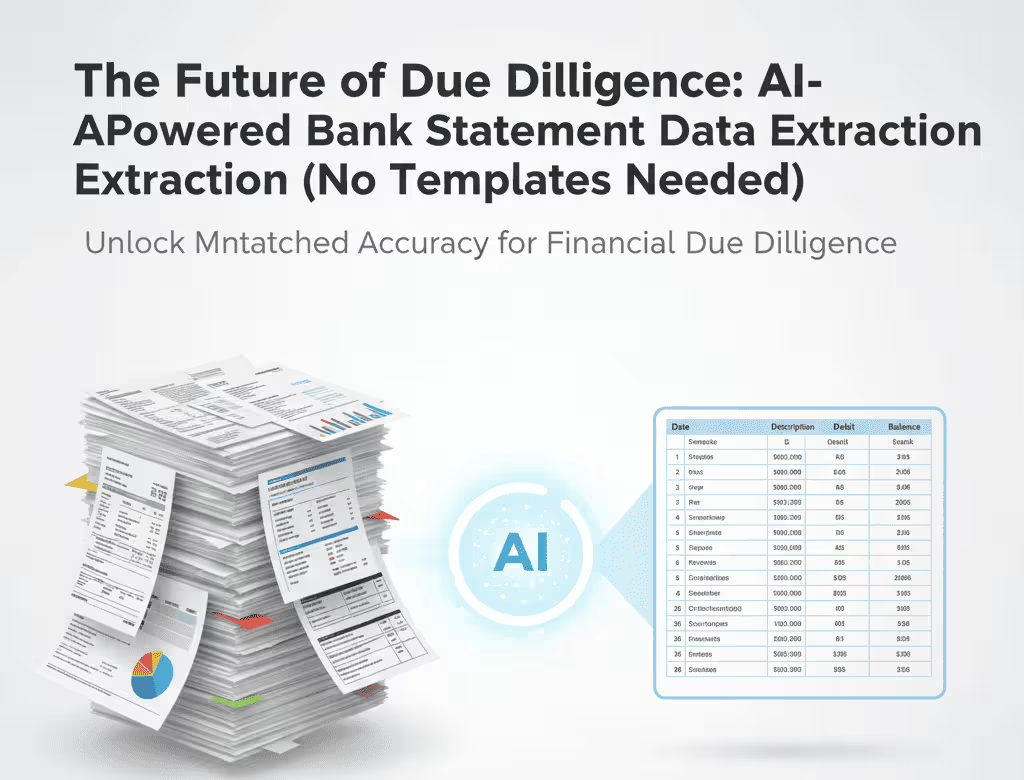
The Future of Due Diligence: AI-Powered Bank Statement Data Extraction (No Templates Needed)
A comprehensive guide for financial leaders and investors: Discover how next-generation AI-Powered Bank Statement Data Extraction eliminates legacy OCR templates, drastically improves data quality, and accelerates critical processes like Loan Underwriting and Financial Due Diligence.
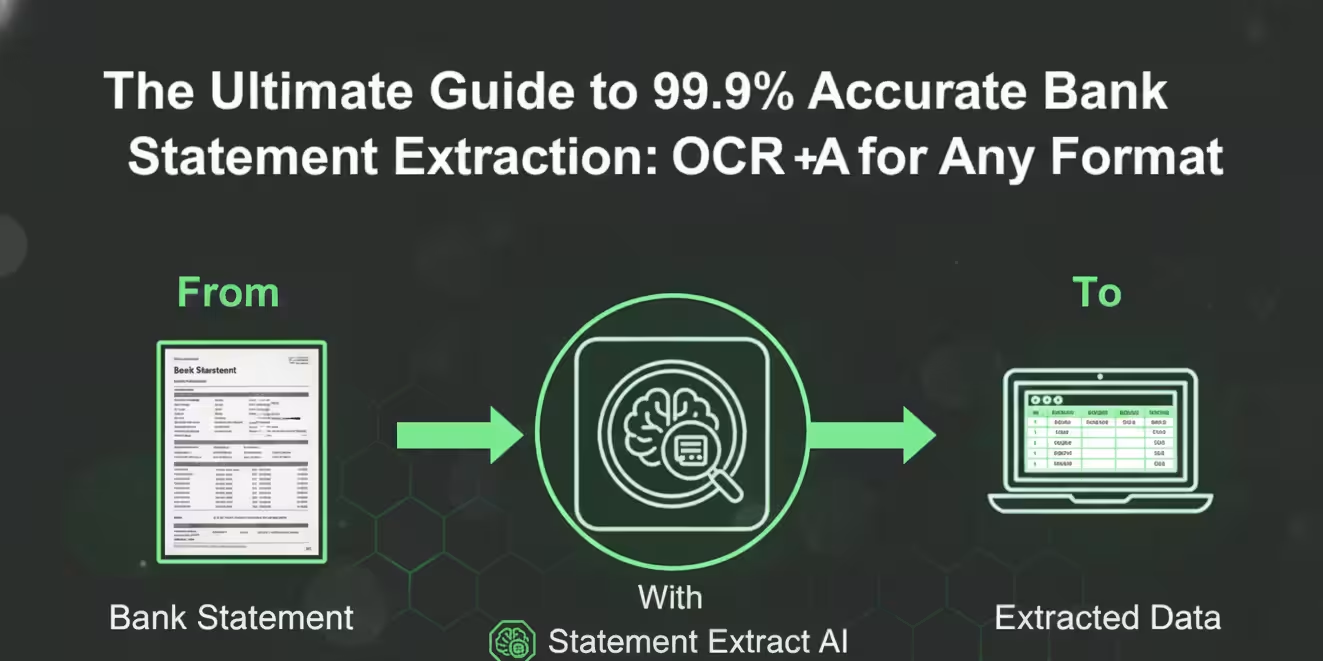
The Ultimate Guide to 99.9% Accurate Bank Statement Extraction: OCR + AI for Any Format
Stop wasting time on template setup and manual checks. Learn how Statement Extract’s Intelligent OCR and AI pipeline achieves 99.9% financial data integrity from any bank statement, regardless of layout or quality.
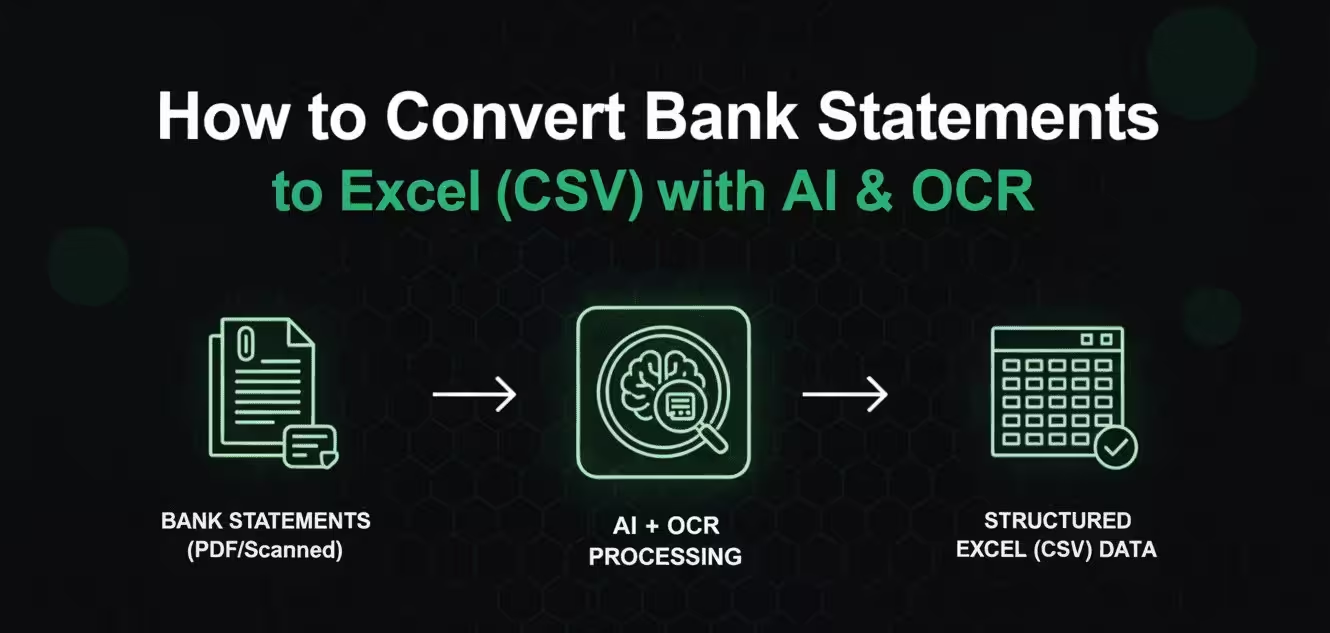
How to Convert Bank Statements to Excel (CSV) — The Complete Guide for PDF & Scanned Documents
This comprehensive guide provides the definitive answer to the bank statement conversion problem. Learn how to extract transaction data from any PDF statement—scanned or digital—using modern OCR and AI pipeline technology.